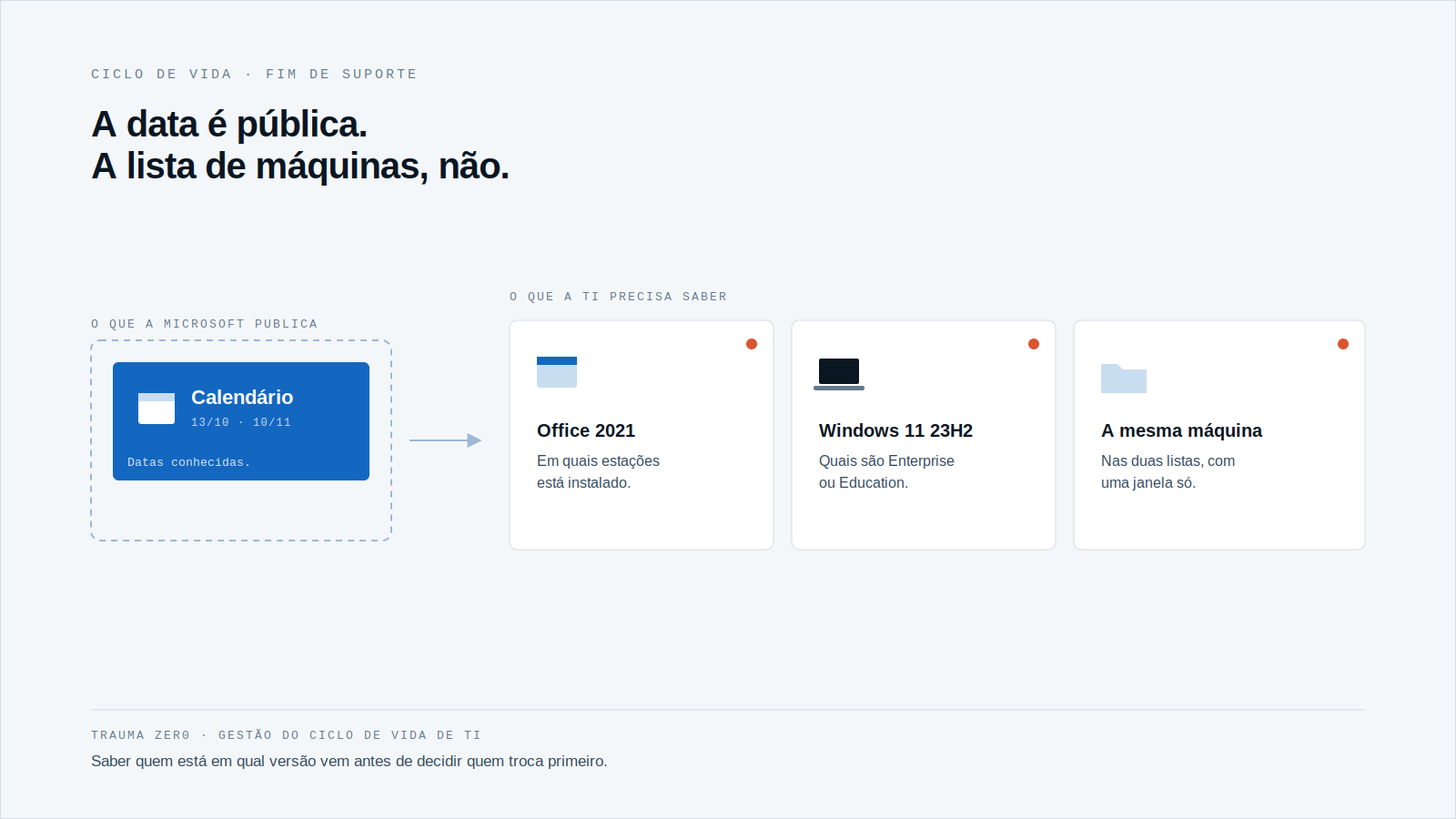
Today, October 13, 2026, Office 2021 reaches end of support. On November 10, Windows 11 23H2 follows in the Enterprise and Education editions. Two dates in the same month, both landing on a fleet nobody has checked end to end.
Microsoft’s calendar is public and not up for debate. What usually goes missing is the other half of the sum: how many workstations in your company are on those versions right now.
If the answer depends on a spreadsheet from two years ago, the problem has already started.
What ends, and when
According to Microsoft’s lifecycle page, Office 2021 follows the Modern Lifecycle Policy and leaves support on October 13, 2026. The page lists the Home and Business, Home and Student and Professional editions, for Windows and Mac. If you run a different edition, check its own line at Microsoft instead of assuming.
In the version table for Windows 11 Enterprise and Education, 23H2 ends on November 10, 2026. 24H2 runs to October 2027 and 25H2 to October 2028. The page was updated in October 2026.
Leaving support breaks nothing. The workstation still boots and Word still opens. What changes is that a flaw found tomorrow will have no official fix for that version.
The risk is not the program, it is not knowing
In a small fleet, someone knows by heart where each version sits. In a fleet of thousands of workstations across branches, agencies and plants, nobody does.
Office installations were not born together. One machine shipped with the 2021 license, another was restored from an old image, another was reinstalled by a technician with whatever media was at hand. The result is a fleet with more than one version and no record of which is where.
End of support is a date. What IT needs is a list of machines.
Four questions to answer this week
- How many workstations have Office 2021 installed, and in which units?
- How many run Windows 11 23H2, and which of those are Enterprise or Education editions?
- Of the affected machines, which have a user who actually opens Office, and which only carry the installation?
- Who approves the version change, and in what window can it happen without stopping a branch or a production line?
The first two are inventory questions. The third is about usage. The fourth is about distribution. None is answered with opinion; all are answered with data collected from the workstation itself.
Two dates together add up to more work
Handled separately, each date becomes a project. Office 2021 goes to one team, Windows 11 23H2 to another, and the two lists only overlap by chance.
In practice, the workstation on both versions is the same machine, with the same user and the same maintenance window. If IT handles one at a time, the same machine is interrupted twice within four weeks. A single list with both columns avoids that.
Order matters too. Whoever leaves 23H2 until after November 10 ends up with an operating system without an official fix on the same workstation, on top of Office.
From inventory to replacement, in order
First, the list
Without a list of who is on which version, any plan is a guess. It has to come from the workstation, not from manual records, because records go stale the next day.
Then, what is worth migrating
Not every Office installation deserves a new license. Before buying the next version, find out which workstations actually use the program. Our piece on the software license audit covers that gap between installed and used, and it matters here as much as on audit day.
Finally, distribution
With the list and the scope defined, the change has to reach the machines without a technician at each site. Deciding machine by machine rather than fleet-wide is the same reasoning as in the Windows 10 ESU post: what differs from one workstation to the next is what decides the action.
How Trauma Zer0 handles this work
Tz0 Inventory covers the first part. According to the module page, a single agent runs on Windows desktops, laptops, servers and self-service terminals, collection is automatic and continuous, and after the first survey only the difference travels across the network. Machines that are off or out of the network enter the picture when they return.
In the device summary, the web console shows each machine’s operating system and Office version, read from the agent rather than typed in. That is the list the plan needs. The module also cross-checks what is installed against what was bought, to flag idle licenses before renewal.
For the change itself, Tz0 Deploy installs, updates and uninstalls with no user interaction. The window is scheduled by group (overnight for headquarters, weekend for the branch), bandwidth is capped so it does not compete with production systems, and a machine that was off joins the next window. The page describes a five-step flow: package, define target, schedule, distribute and verify.
All of it runs inside the customer’s network, and the fleet data stays on the company’s own server. Deciding which version keeps support remains your call; the module provides the list and the means to carry it out.
The calendar is already written
Both dates have been known since the versions shipped. What differs from one fleet to another is how long IT takes to find out what needs handling.
If you want to see that list on your own fleet, request a Trauma Zer0 evaluation and see the device summary filled in by the agent.