On October 13, Windows 11 24H2 stopped receiving updates on the Home and Pro editions. Windows 10 Enterprise LTSB 2016 stopped on the same day. October’s cumulative update is the last one for these versions.
Anyone who runs a large fleet knows the questions that follow. How many workstations are on that version? How long will it take to move them off?
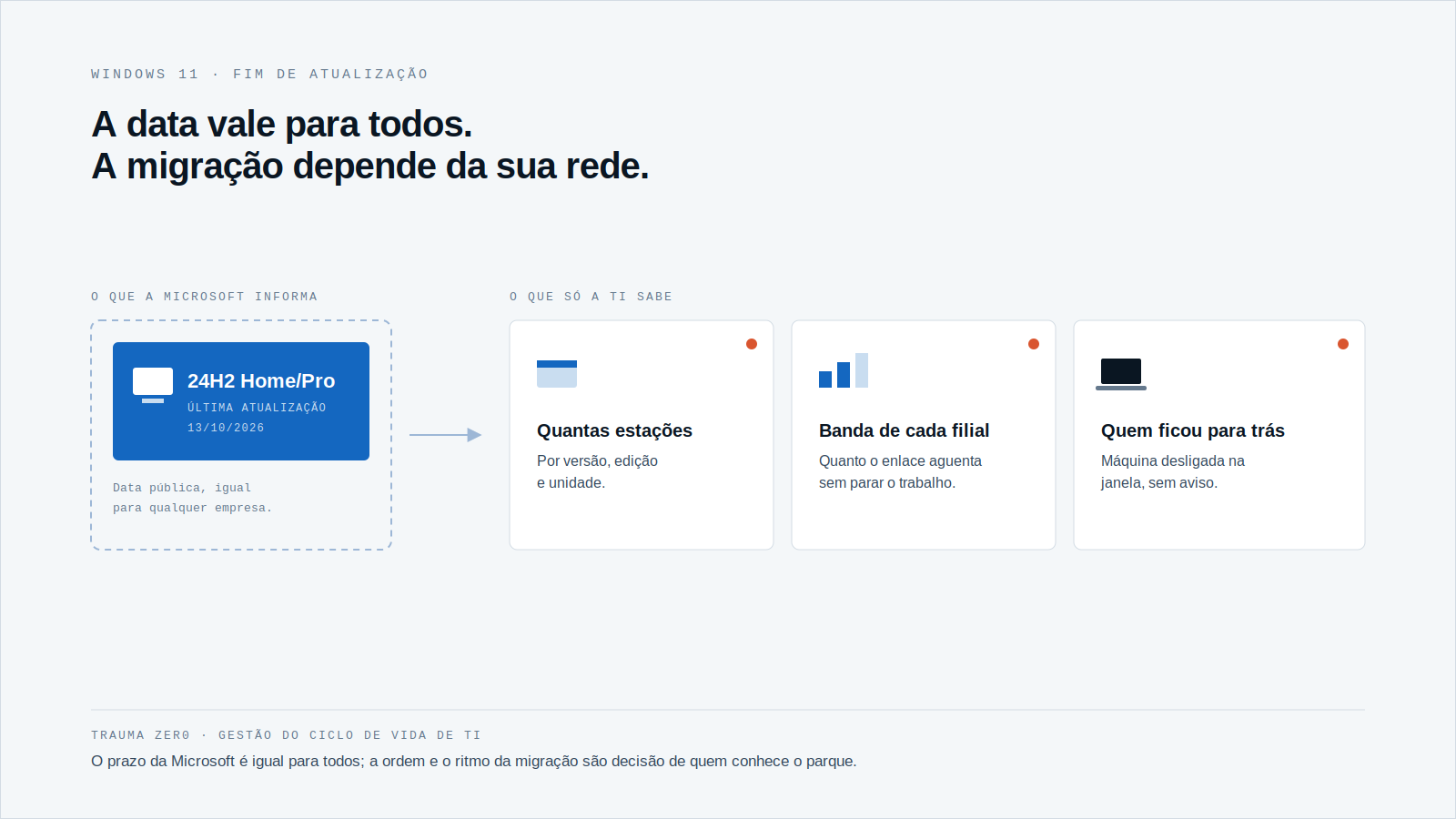
The date is public and the same for everybody. What belongs only to you is the list of machines, the speed of the links between headquarters and branches, and the window each site will accept.
What ended on October 13
According to Microsoft’s lifecycle page, Windows 11 24H2 Home and Pro entered support on October 1, 2024, and its end date is 10/14/2026 at 6:59 AM Pacific, which is the end of October 13 in Brazil. That is exactly two years of life for the version. The dates are on Microsoft Learn.
The next version already has a deadline: 25H2 receives updates until 10/13/2027. And 26H2, released on 09/29/2026, runs until 10/10/2028.
The last update was a big one. BleepingComputer counted 1,411 flaws fixed in the October 2026 Patch Tuesday, a record for the series, not counting 348 fixed earlier in the month. One of the three zero-days was already being exploited: a Mark of the Web bypass in the Windows shell. The count is in BleepingComputer.
The practical point: a machine that stays on 24H2 gets no fix for the next flaws. The system keeps running, and the exposure grows every month.
A Windows version is not a number you know by heart
The question "how many workstations are on 24H2?" sounds simple. In practice it becomes three questions: which version, which edition and which site.
The date above applies to Home and Pro. Enterprise and Education follow their own calendar, and the same lifecycle page has to be checked for each one. A mixed fleet, with retail Pro licenses at a branch and Enterprise at headquarters, has two deadlines living side by side.
Without a reliable inventory, the count comes from sampling and spreadsheets. With one, it is a filter. The Tz0 Inventory page describes the device summary with the operating system read by the agent on each workstation, and that is where the 24H2 list should come from.
A version upgrade weighs more than the monthly patch
A Windows version upgrade is usually much larger than the monthly cumulative update. Multiply it by the number of workstations and the bill goes to the link between headquarters and the branch, not to the server.
Three situations show up in almost every large fleet:
- the branch with a narrow link, where dozens of workstations downloading at once take down the customer-service system;
- the workstation that was powered off during the window and falls behind without anyone noticing;
- the transfer that drops halfway and starts over from zero.
None of them is a Windows version problem. They are distribution problems, and when and how to distribute is IT’s decision, not Microsoft’s.
End of support is a date. Migration is a queue, and whoever knows the network controls the queue.
Five questions before you plan the wave
- How many workstations per version and edition? Separate 24H2 Home/Pro from the rest and list them by site.
- Which ones can’t take the new version? Hardware, drivers and legacy applications show up in a pilot group, before the general wave.
- What is each site’s window? Headquarters overnight, branches on weekends, critical areas with their own date.
- How much bandwidth can distribution use? Set a cap per destination so the migration doesn’t compete with production.
- How do you know who finished? Who installed, who failed and who slipped to the next window must be in a list, not an assumption.
The answer to the last question is the one that usually goes missing. Without it, IT finds the late machine when someone opens a ticket, or when the audit asks for the evidence.
How Trauma Zer0 handles this work
Tz0 Deploy is the module for large-scale software distribution. According to its page, a package is approved once on the central server and each workstation’s agent pulls it at its turn, with no shared folder and no technician carrying a USB stick.
The page lists what matters for a wave like this: silent installation, a schedule window per target (headquarters, branches, immediate for critical fixes), bandwidth control, automatic resume of interrupted transfers and, at the end, a review of who installed, who failed and what was rescheduled. A machine that is off during the window joins the next one. The whole flow runs inside the customer’s network.
One limit should be stated: the page describes distribution of packages and security fixes, and does not detail upgrading the Windows version itself. If your migration depends on that, it is a point to bring to the technical evaluation, with your topology on the table.
To know where to start, Tz0 Inventory provides the count per version. For the remaining steps, the flow is Deploy’s: package, target, window, distribution and review.
The next date is already on the calendar
After 24H2 Home/Pro, Microsoft has already pointed to November for Windows 11 23H2 Enterprise, Education and IoT Enterprise. Teams that treat each end of support as an isolated emergency redo the same work every quarter. Teams that build a routine of inventory, pilot, window and review do it once and repeat it.
Two other posts on the blog cover parts of that routine: the end of support for Office 2021 and how to prioritize a Patch Tuesday with hundreds of flaws.
If your fleet has workstations on 24H2 and you still don’t know how many, request a Trauma Zer0 evaluation and bring your branch topology. The conversation starts with the list of machines.