Almost every incident response plan starts the clock at the alert.
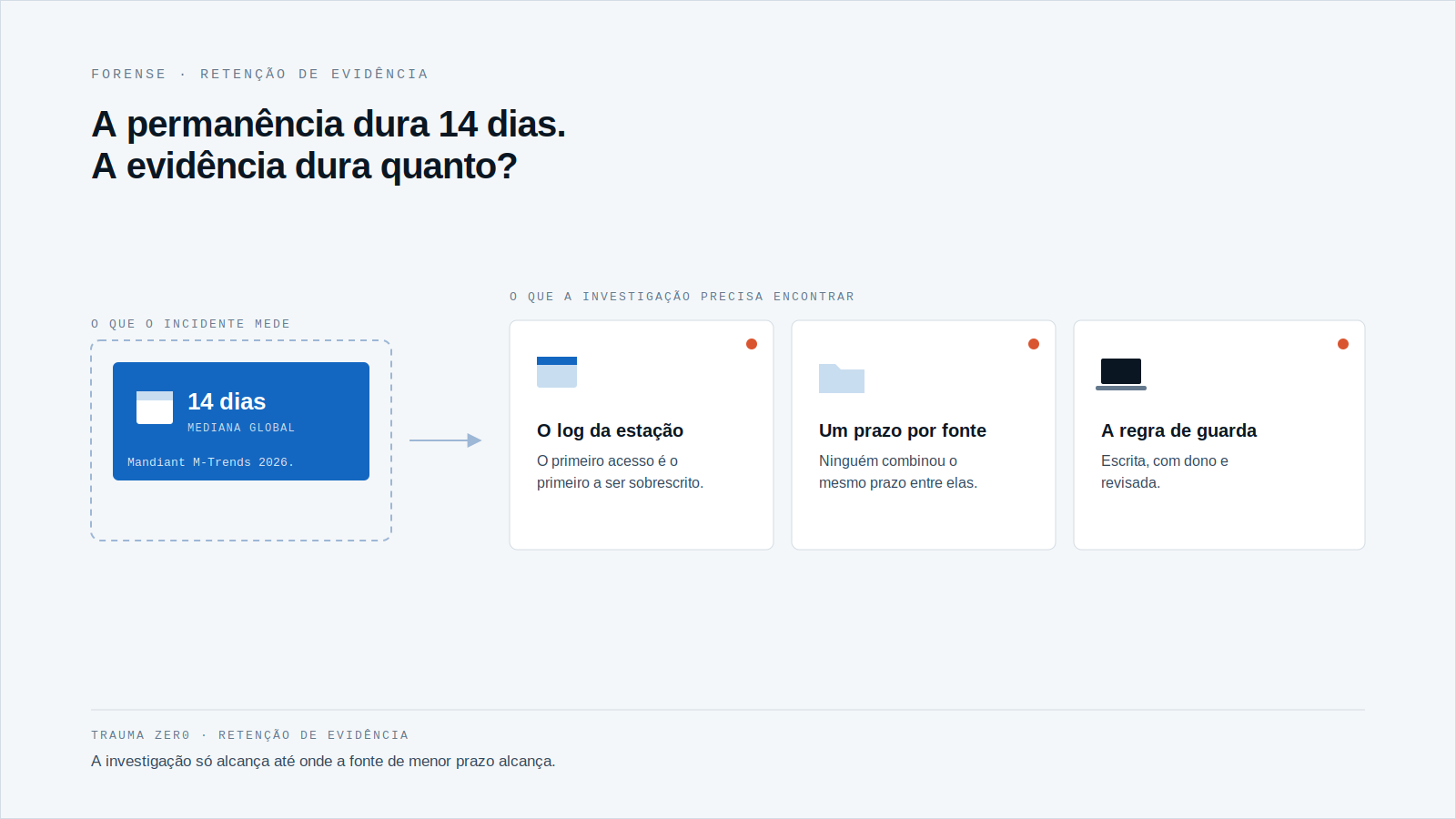
The attacker started earlier. By the global median in Mandiant’s M-Trends 2026, that is 14 days of dwell time inside the environment.
That changes the question that matters. Instead of “how fast did we detect it?”, the investigation will ask: what do we still have from two weeks ago?
What the 14 days say, and what they don’t
M-Trends 2026 is based on the investigations Mandiant carried out in 2025. Global median dwell time rose to 14 days, from 11 days in the previous period.
A median means half the cases ran longer. In cyber espionage and North Korean IT worker incidents, the median was 122 days.
In the same report, organizations first detected the malicious activity themselves in 52% of 2025 investigations, up from 43% in 2024. Source: Google Cloud / Mandiant, M-Trends 2026.
Two caveats. The data is global and comes from cases Mandiant handled, not from a snapshot of any specific fleet. Use it as a ruler, not as a forecast for your network.
Think about what fits in 14 days: two weekends, maybe a holiday, several shift changes. That is enough time for an intruder to map the network, find an account with more privilege and come back without hurry.
It is also enough time for the oldest log to be overwritten. The first access, exactly the record that explains the entry, is the first to leave the disk.
Retention is a decision almost nobody made
The retention period is usually each tool’s default, set at install time and never reviewed.
Every source has its own: the system log, the security console, the proxy, the inventory database. Nobody agreed on one period across them.
When the incident surfaces, the timeline only reaches as far back as the shortest-lived source. The rest becomes guesswork.
The alert marks the day someone noticed. The investigation needs the day it all began.
The test is simple: pick one workstation and try to say what ran on it 21 days ago. If the answer depends on “let’s see if it still exists”, you already know your real retention.
Run the survey in a simple spreadsheet, one row per source: what it records, how long it keeps it, where it keeps it and who can delete it. In an afternoon, the gap between sources shows up.
What matters is the shortest period in the chain, not the longest. A source with a year of history does not make up for one that keeps three days, if the second is the one that shows what ran on the workstation.
It is the same gap behind a ransomware case where paying the ransom does not explain what happened on the machine: without a record from the workstation, the cause stays open.
Keeping evidence longer has a cost, and rules
Workstation evidence includes personal data: browsing, files, conversations. Brazil’s LGPD (art. 6) asks that processing be limited to what is necessary for its purpose. Keeping everything forever is not the answer.
The way out is to decide in writing: how long each type of record is kept, why, and who can open it. IT, legal and the data protection officer decide it together.
In banks, industry, healthcare and government, the server holding the evidence becomes a sensitive asset itself. And when personal data is involved, notifying Brazil’s ANPD has a three-business-day deadline, which calls for evidence that is already organized.
Three questions to ask this week
- What is the real retention period of each source of workstation evidence, and who set it?
- Does that period cover 14 days with room to spare? And a long case, of months?
- If one workstation account is compromised, is that machine’s record still intact?
Whoever answers all three with a number and a name has a policy. Whoever answers “it depends” has factory defaults.
There is a tension here. Covering 122 days of everything, on every workstation, is expensive and probably disproportionate to the purpose.
One way out is to work in layers: a light record kept for longer, and detailed collection switched on by policy and by case when there is a reason to investigate. The period for each layer is written down and reviewed.
How Tz0 Forensics handles evidence
Tz0 Forensics is Trauma Zer0’s digital investigation module, collecting evidence on the workstation itself. An installable tracker records file changes, browsing, resource use and messenger conversations.
It also rebuilds deleted files and identifies who created, changed or removed folders. The investigation runs in the browser, with term search and a session timeline.
Evidence is stored on the company’s own server and preserved until export, which serves legal proceedings or internal inquiries. The flow is authorize, collect, preserve, analyze and export, with collection defined by policy and by case.
The module’s page asks for a written usage rule before it is switched on. It does not state a retention period: that period is a decision for your policy, and it is worth confirming with the Trauma Zer0 team how it is configured. The module also does not replace the data protection officer or legal counsel.
Because the evidence stays on the company’s server, disk space and the retention policy belong to the company. That is an advantage for whoever has to set the period, and also a responsibility: whoever sizes the server sizes the investigation window.
What could you prove about an intrusion from two weeks ago?
If someone got into your network two weeks ago, what can you show today? Answer with a result you can produce, not with a hunch.
If you want to see how this looks on a fleet like yours, request a Trauma Zer0 evaluation.