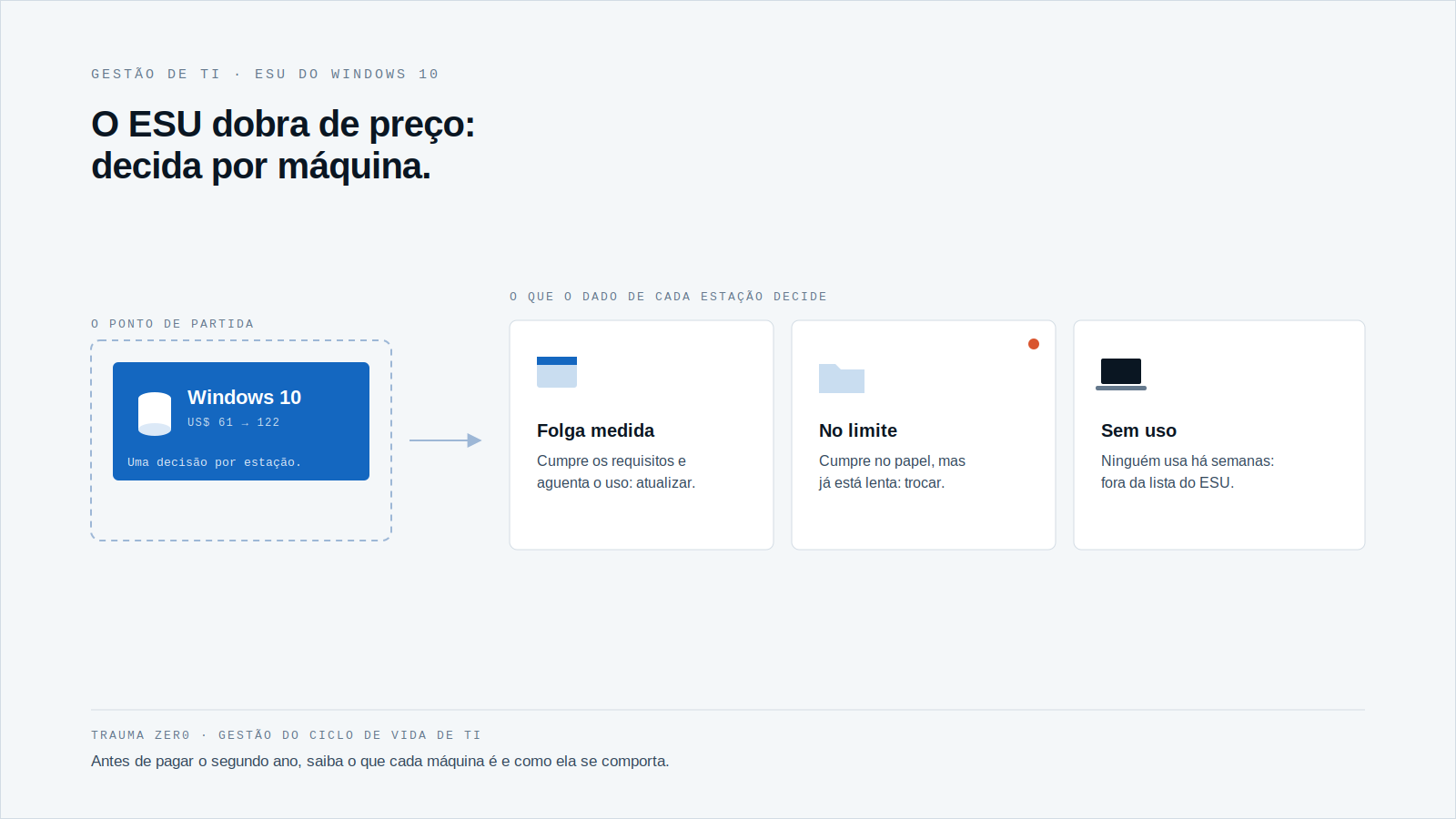
On October 14, Windows 10 ESU enters its second year. The per-device price doubles.
For a company with fifty PCs, that is a budget tweak. For one running thousands of workstations across branches, plants and remote sites, it is a decision that needs a list.
And the list has to say, machine by machine, what to do: upgrade, replace, cover for another year, or switch off.
The second-year math
According to the commercial price sheet published by Managed Solution, ESU costs US$ 61 per device in year one, US$ 122 in year two and US$ 244 in year three, which ends on October 12, 2028.
One rule weighs more than the price: whoever joins in year two must also buy year one, retroactively. That is US$ 183 per device for a late entry.
The scale is not small. The Register reports that 26% of the Windows users StatCounter can see online still run Windows 10, and that HP says 30% of its customers have not moved yet (2026).
Postponing the bill does not shrink it. It only makes it costlier and harder to explain.
Eligible for Windows 11 is not the same as ready
Microsoft sets the Windows 11 floor: a 1 GHz or faster processor with two or more cores on the approved CPU list, 4 GB of RAM, 64 GB of storage, UEFI firmware with Secure Boot, and TPM 2.0 (Microsoft, system requirements).
Each of those items is a fact about one specific machine. None of them lives in an IT policy document.
And meeting the floor does not mean running well. A device with 4 GB of RAM installs Windows 11 and then spends the day paging to disk.
A machine that passes the checker can still be a machine nobody wants to use.
That is why the decision needs two pieces of data: what the machine is, and how it has behaved.
A large fleet has one more problem: the data has to be close by
On a large, segmented network, a spreadsheet survey arrives stale. The branch swapped a disk, a department inherited two laptops, the meeting-room PC never made the list.
When each workstation’s data sits on the company’s own server, under the company’s own policy, the query stays internal. It does not depend on approving outbound inventory data, which in banking, healthcare and government is usually a long conversation.
And the auditor’s question is simple: which machines were covered by ESU, which were not, and who decided. "Most of them, I think" is not an answer.
What separates the four decisions
Upgrade in place
A machine that meets the requirements and has CPU, memory and disk headroom over several weeks.
Replace
A machine that qualifies on paper but already lives at its limit. Upgrading just pushes the pain to the next ticket.
Cover with ESU until the replacement date
A machine that fails the requirements but must keep working until the replacement budget clears. ESU is a bridge, and a bridge has an arrival date.
Take it off the list
Equipment nobody uses. Paying US$ 122 for it is the cheapest mistake to avoid.
How Trauma Zer0 handles the decision
Tz0 Performance measures CPU, memory and disk on each device over time, with usage recorded hour by hour, on the company network, at home or on the road.
The whole fleet sits on one ruler: each machine gets a grade from "very good" to "critical", and the module shows which ones are at the limit and for how long. For the ESU decision, that separates the laptop that can carry Windows 11 from the one that merely installs it.
The module page also describes suggested actions, such as disk upgrades where space is short, and data for hardware purchase decisions.
Tz0 Inventory supplies the other side: every physical component and every installed program, with version, date and origin, plus each machine’s operating system, queried through the Dashboard. Discovery and collection are automatic, done by an agent installed on each Windows machine.
What the modules do not replace is reading specific firmware items, such as TPM status. Treat that as a separate check before you commit to a purchase.
The cost that is not on the ESU invoice
ESU covers security fixes. It does not make a machine faster, restore a worn battery or clear a full disk.
Whoever pays for year two on a device already at its limit buys a bridge to a machine that is already costing support time. The US$ 122 comes with hours of tickets attached.
There is also a compliance side. A system with no fixes and personal data inside is a risk the company accepts by decision, whether or not anyone wrote the decision down.
Two weeks is enough for a survey
You cannot fix the whole fleet by October 14. You can find out what it is.
Start with a real count of Windows 10 machines, with version and last check-in date. Then cross it with the last thirty days of performance and sort into the four decisions above. The same logic of proving what was done, machine by machine, is in 964 Flaws, One Patch Tuesday.
To see how this looks on your own fleet, inside your own network, request an evaluation at traumazero.com/en/evaluation.