Platform / Tz0 Deploy
Module · distribution
Tz0 Deploy
Large-scale software distribution
A critical patch was released today. How long until it reaches your twelve thousand workstations — and how many people have to stop working for that to happen?
Silent installation · scheduled window · bandwidth control
Distribution
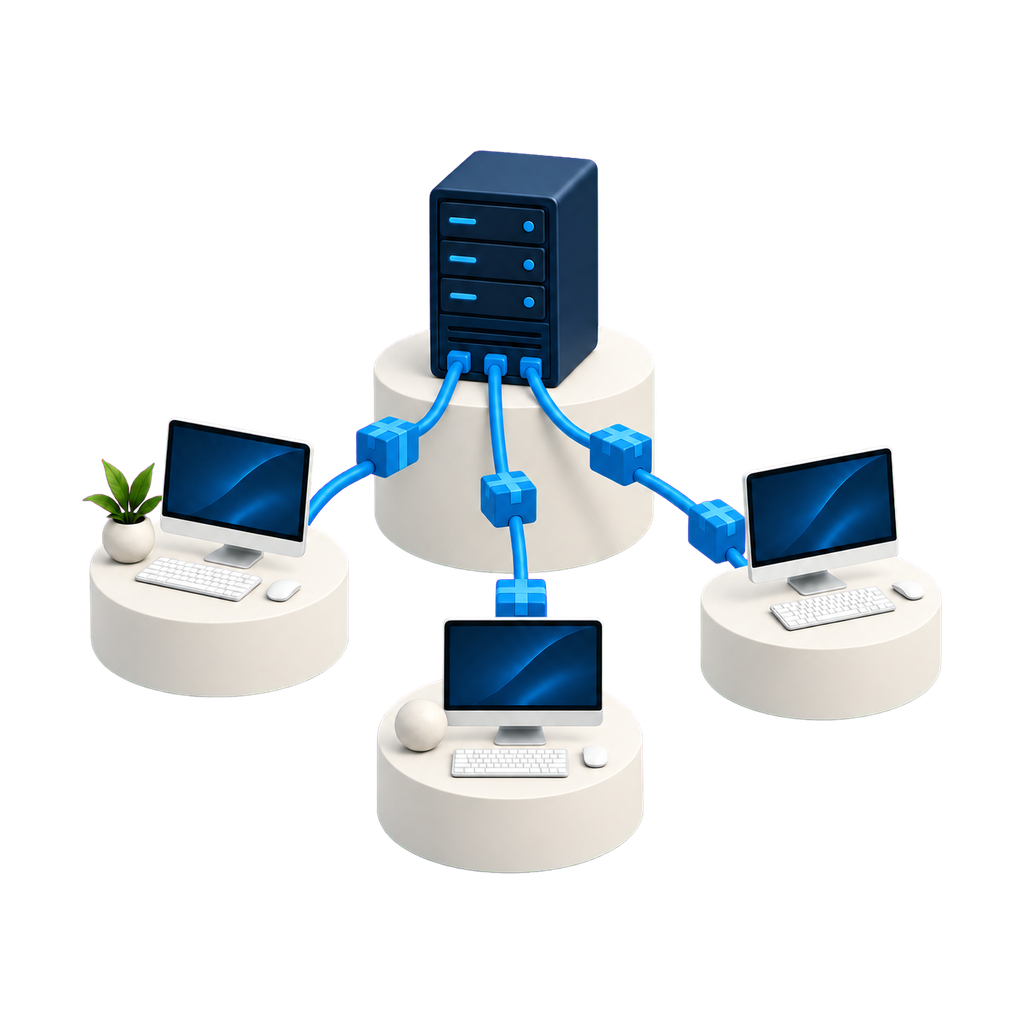
The package leaves from one place only.
You approve once, on the server, and each workstation’s agent pulls it down when its turn comes. No shared folder, no technician with a USB stick, and no network bandwidth disappearing all in the same minute.

Console capture from an estate in production. Machine and person identification replaced; figures untouched.
What the module does
Installing on twelve thousand machines without bringing the network down.
The problem with distribution at scale is never the installer. It is the bandwidth, the window and the machine that happened to be switched off.
Silent installation
Installs, updates and uninstalls with no user interaction and no technician at the machine.
Scheduled window
Overnight for head office, weekends for the branches, immediate for anything critical.
Bandwidth control
Caps what the rollout consumes so it does not compete with the system that keeps the business running.
Automatic resume
Link dropped mid-transfer? Resume picks up where it stopped.
Security fixes
Critical patches distributed transparently, keeping the workstation protected without interrupting the day.
Package catalogue
What the company approved sits ready to install; what is not in the catalogue can be removed in bulk.
Servers too
Desktop, laptop and server in the same process, each with its own window and criteria.
Windows, Linux and Android
One pipeline serves all three, with no separate tool per platform.
How it works
From the approved package to the updated workstation.
The whole pipeline runs on your network: the package passes through no cloud before it reaches the machine.
Console
From scheduling to follow-up, in the browser.
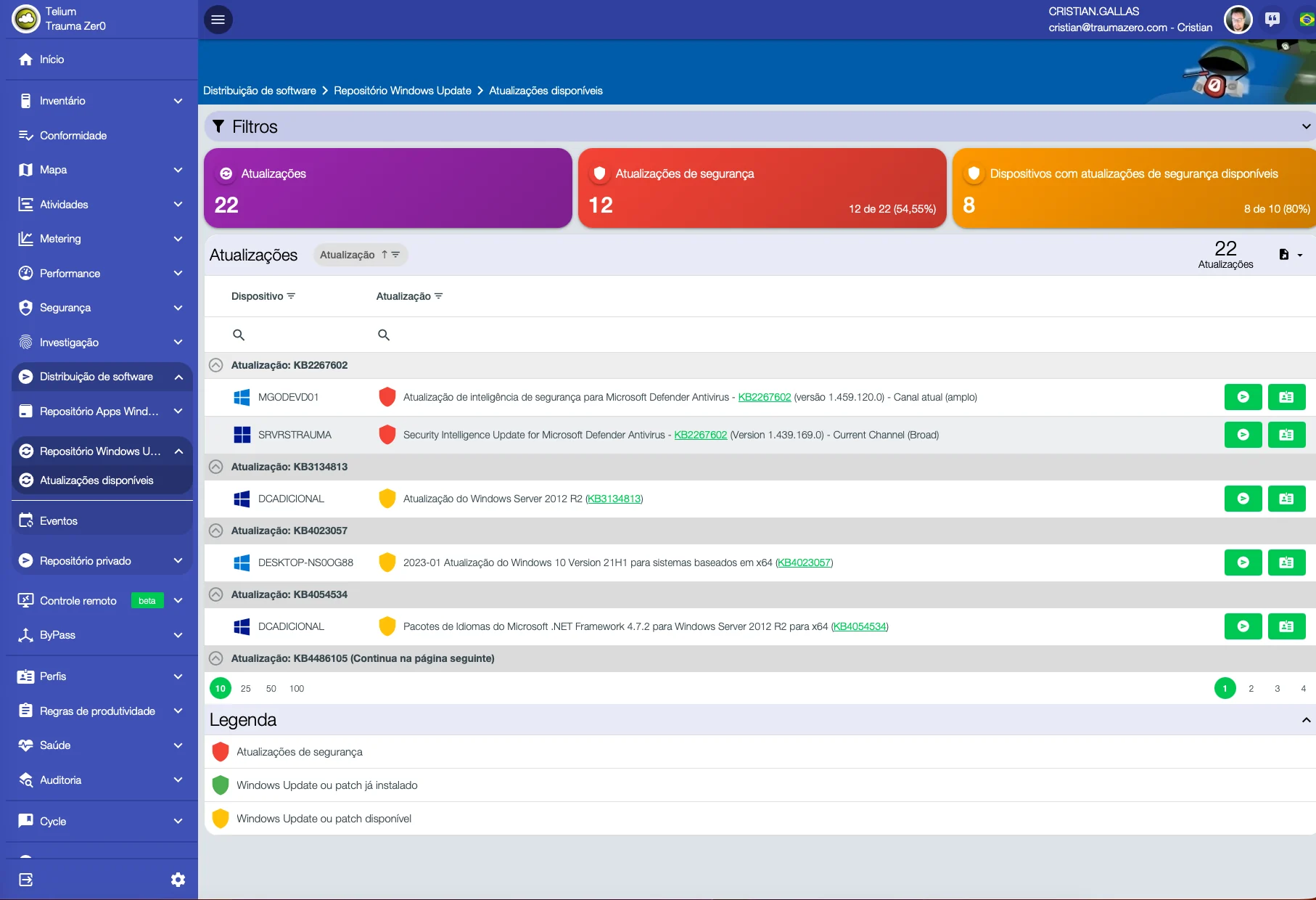
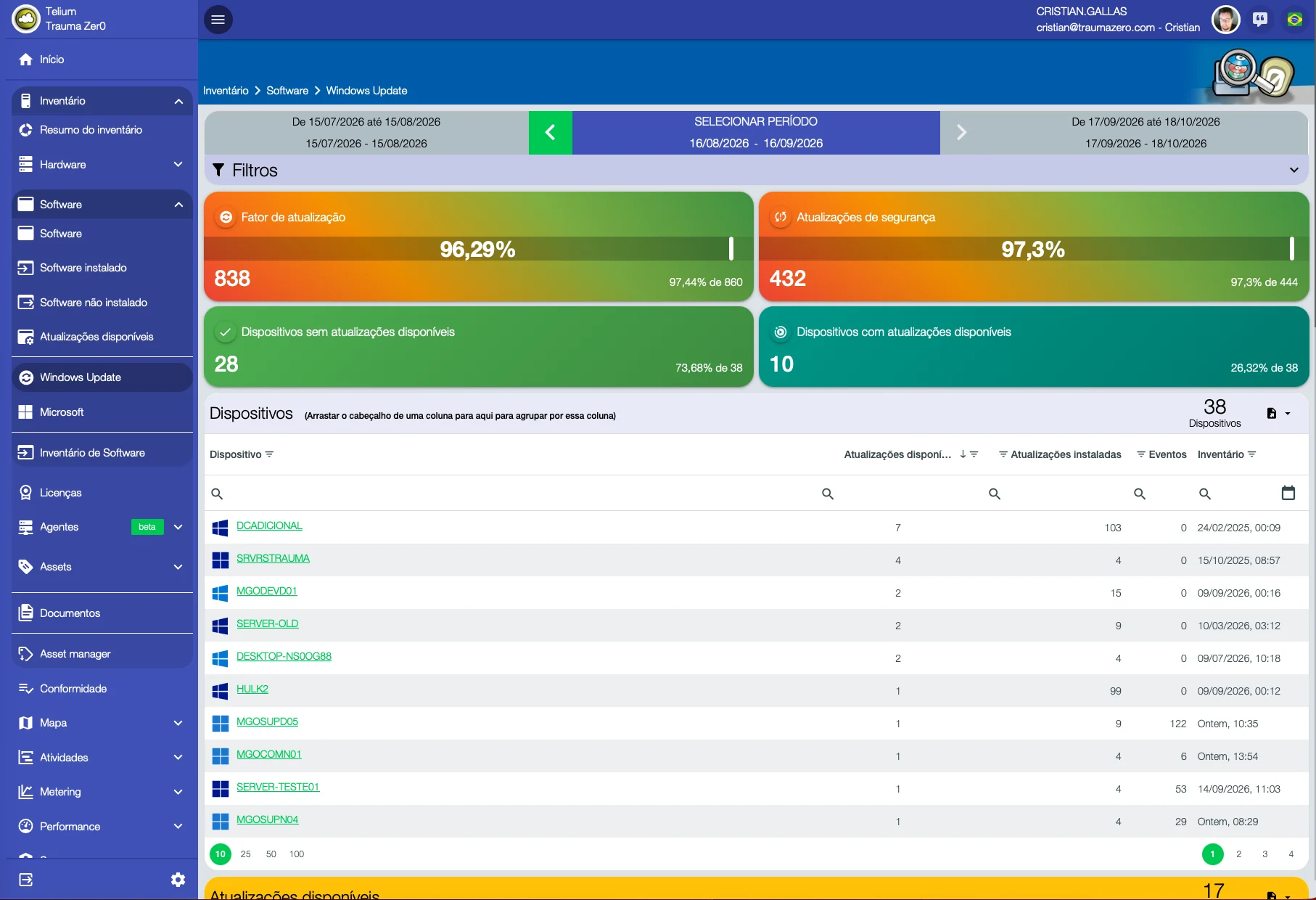
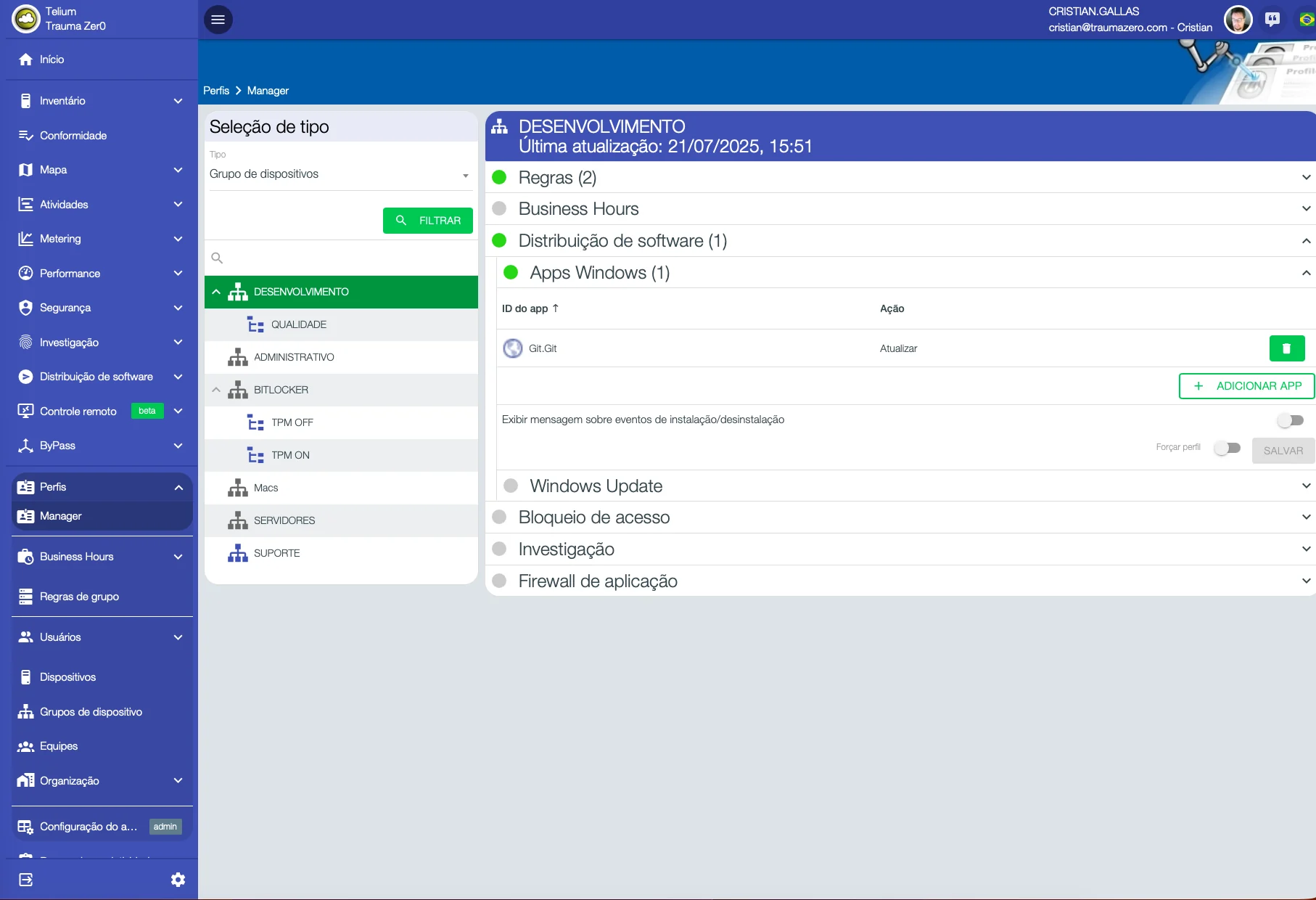
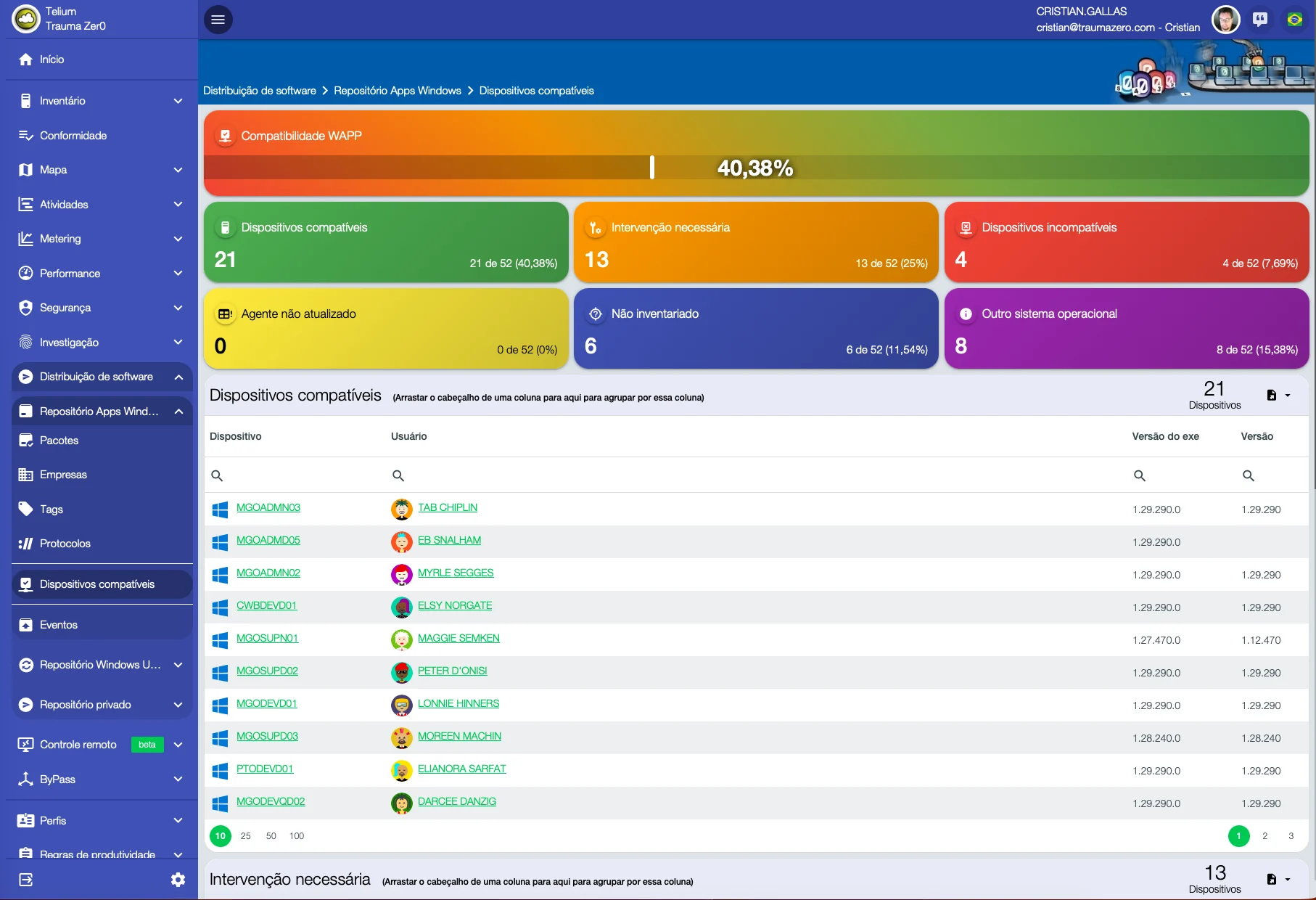
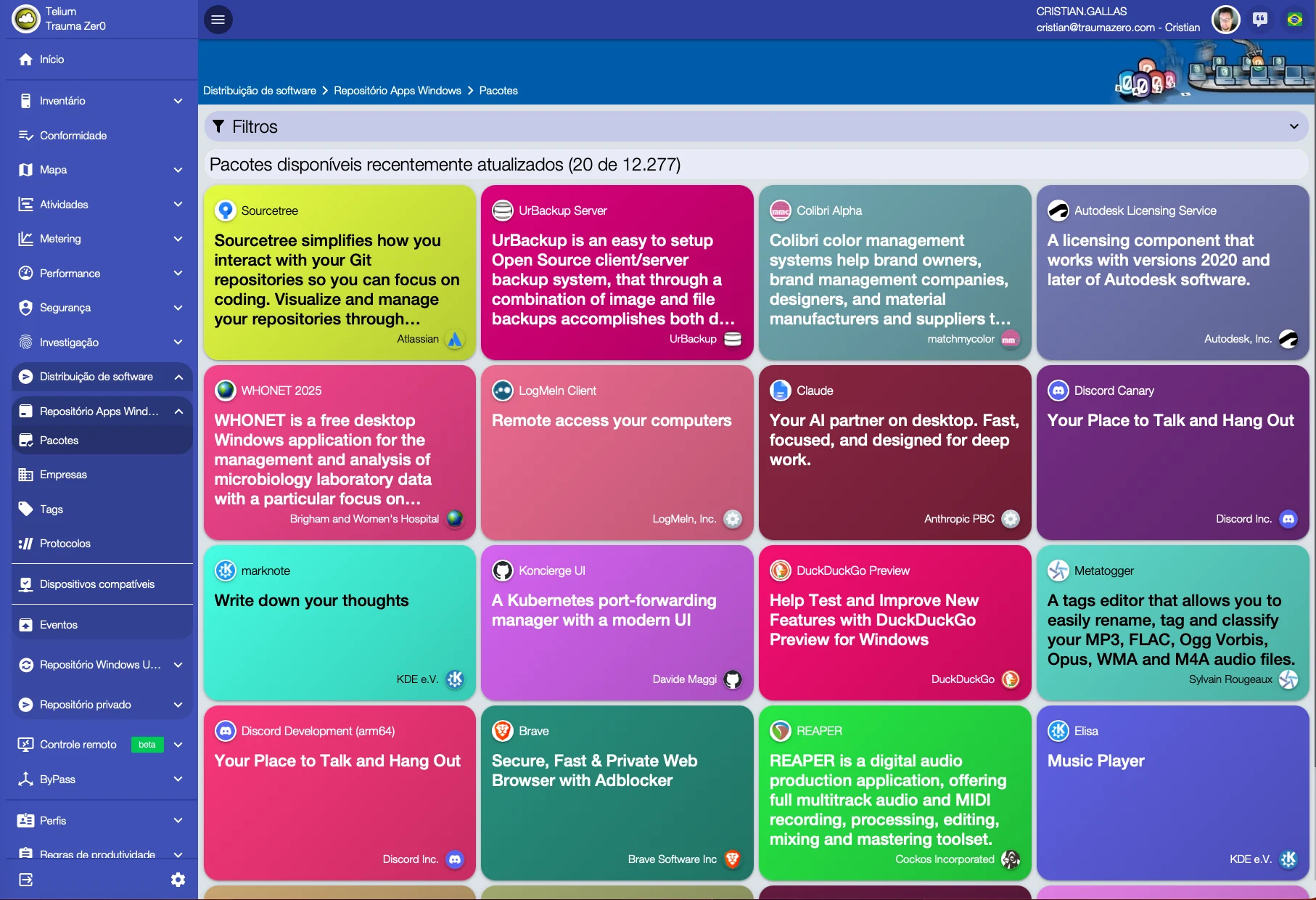
Screens from a real estate in production, not a demo environment. Anything identifying a person was replaced with generic equivalents before publishing; machine names, KB numbers, versions, percentages and the interface itself are untouched.
What changes in practice
Eight things that stop requiring a trip.
Included with the module
Three tools in the same package.
A new report does not become a project. We do not build bespoke work for a single customer, but we look at every request: when the need serves everyone, the report goes into the product and reaches all customers in the next update.
Report builder
Ships with the package, not sold separately. It is for people who want to build their own reports outside the browser.
Development platform
Carries agent communication across segmented topologies and lets the product be extended.
Operations dashboard
The state of the estate on one screen, with whatever went off-target at the top. More than 600 ready-made reports, covering every module.
Who works this way
Distribution without knocking the operation over.
“Network availability went up during system update rollouts.”
Translated from Portuguese
“We gained a very significant amount of time in this process — around a quarter of what it used to take.”
Translated from Portuguese
Other modules
How long does a patch take to reach your whole estate today?
A 30-minute technical conversation: you describe the topology and the windows you can use, we sketch the distribution design.